Turn reading into listening
Readalix is a smart text-to-speech and reading assistant for Chrome. Turn webpages, PDFs, and documents into spoken content with clear word-by-word highlighting.
Free · No account · Voices run on your device · Chrome 123+

The Joy of Listening
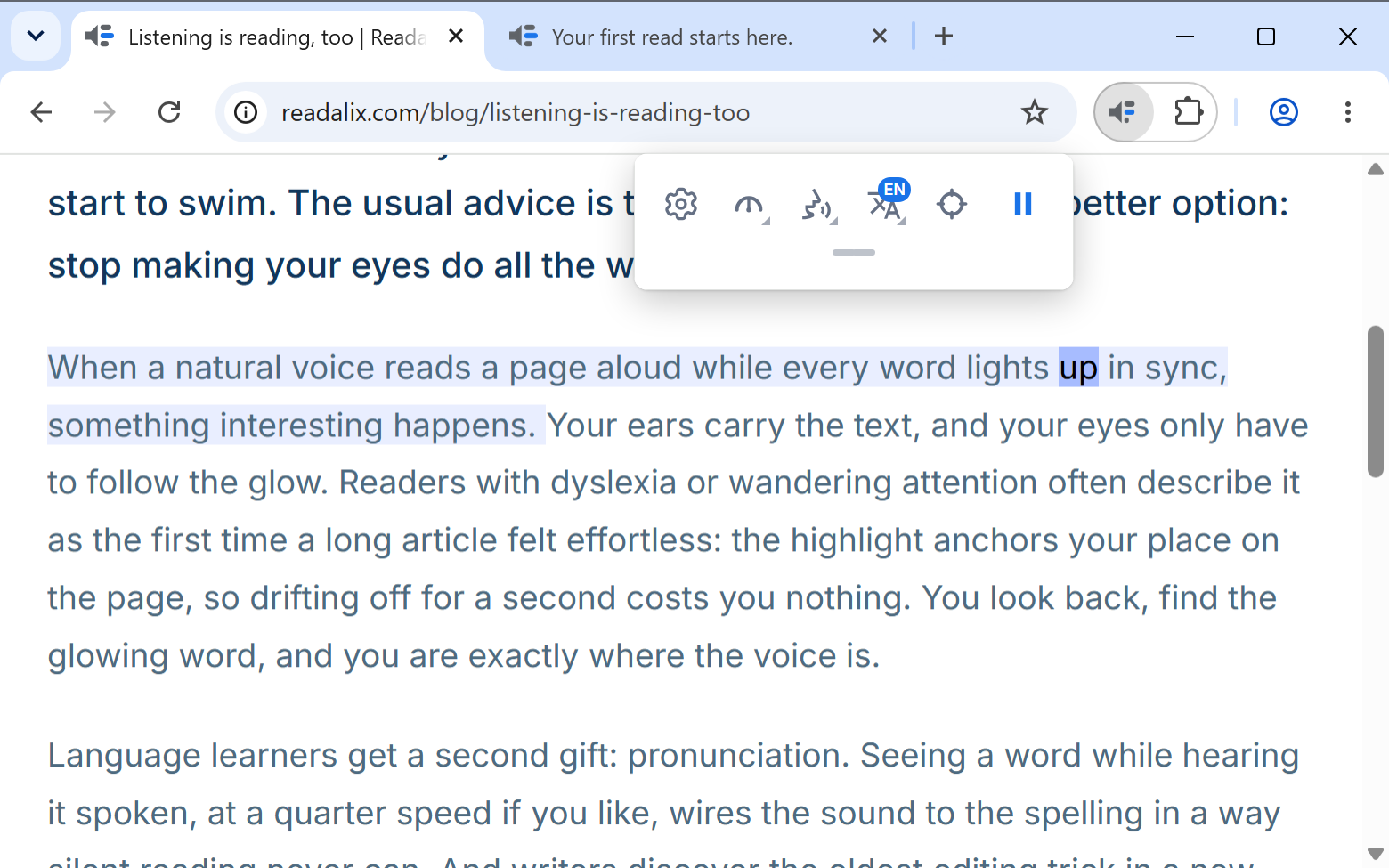
Reading online can sometimes strain your eyes. By highlighting the active word and sentence, Readalix guides your eyes while a natural voice reads to you.
So what makes this different?
Chrome’s Read aloud
- Opens a reading panel on top of your page
- Reads the whole page, from the top
- Only the voices your computer already has
- Not on PDFs, Google Docs or Word Online
Readalix
- Reads your page just as it is: nothing moves, nothing covers it
- Reads what you pick: a selection, one part of the page, or from any word
- 100+ voices: on-device ones, plus Gemini, OpenAI and ElevenLabs with your own key
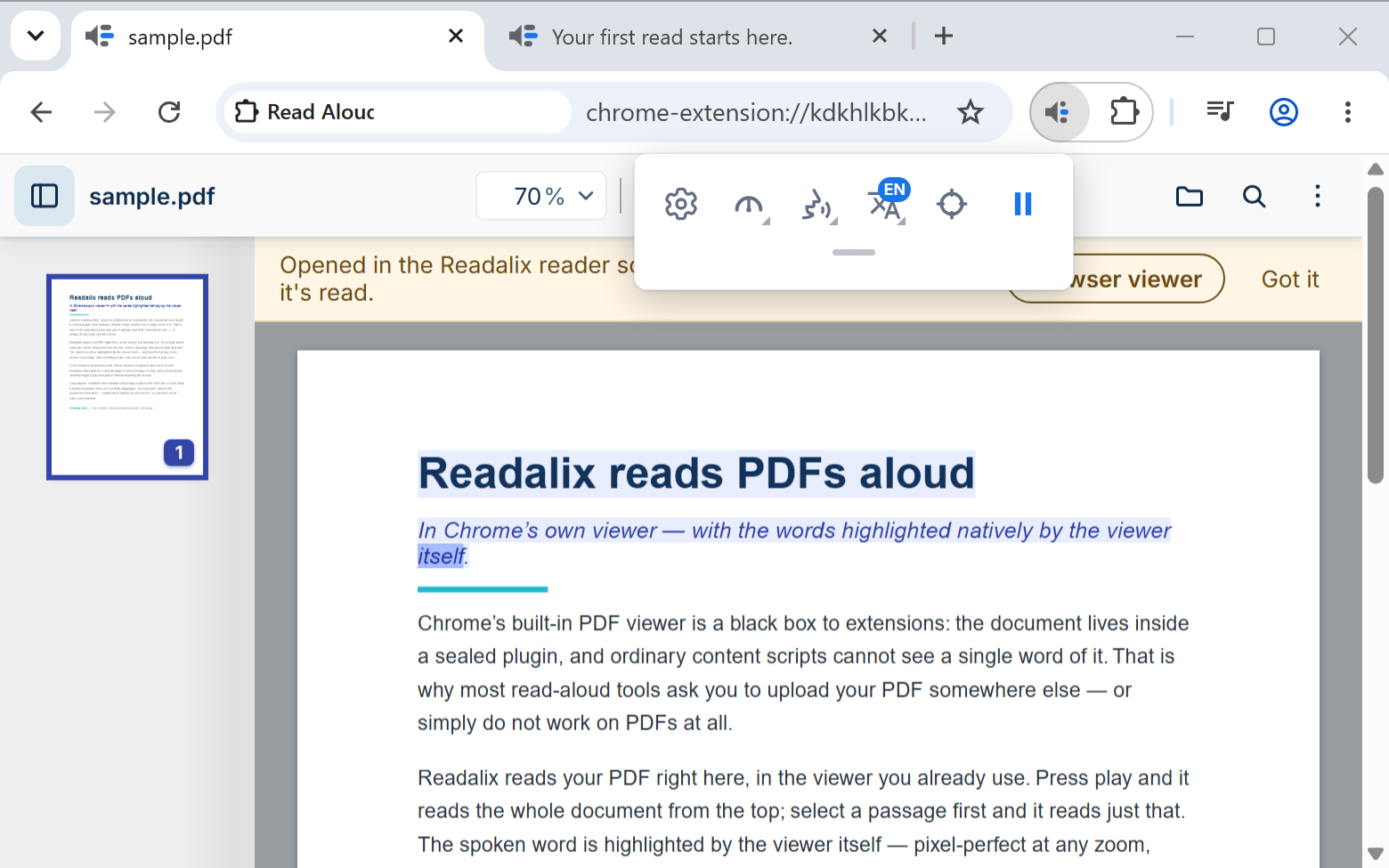
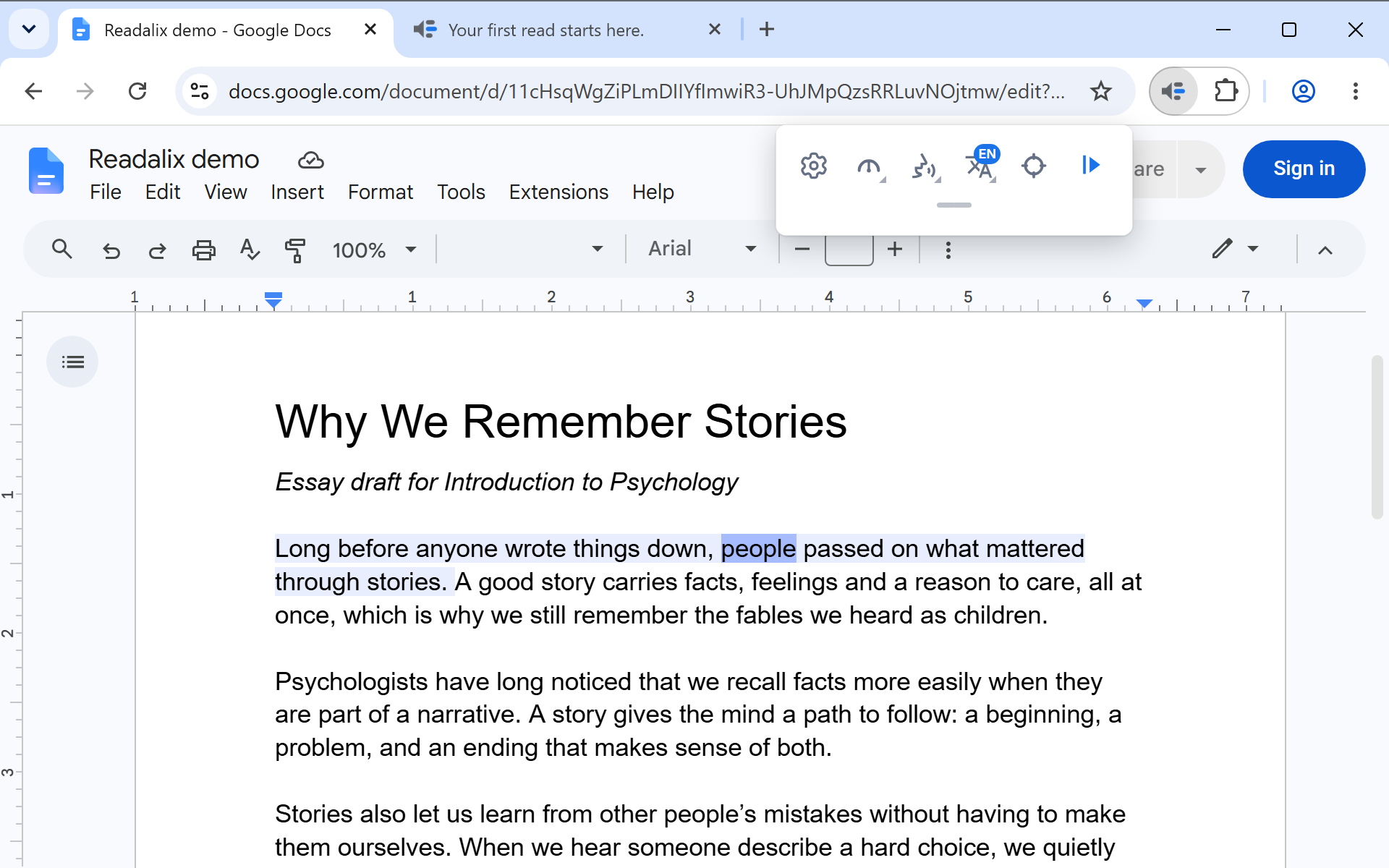
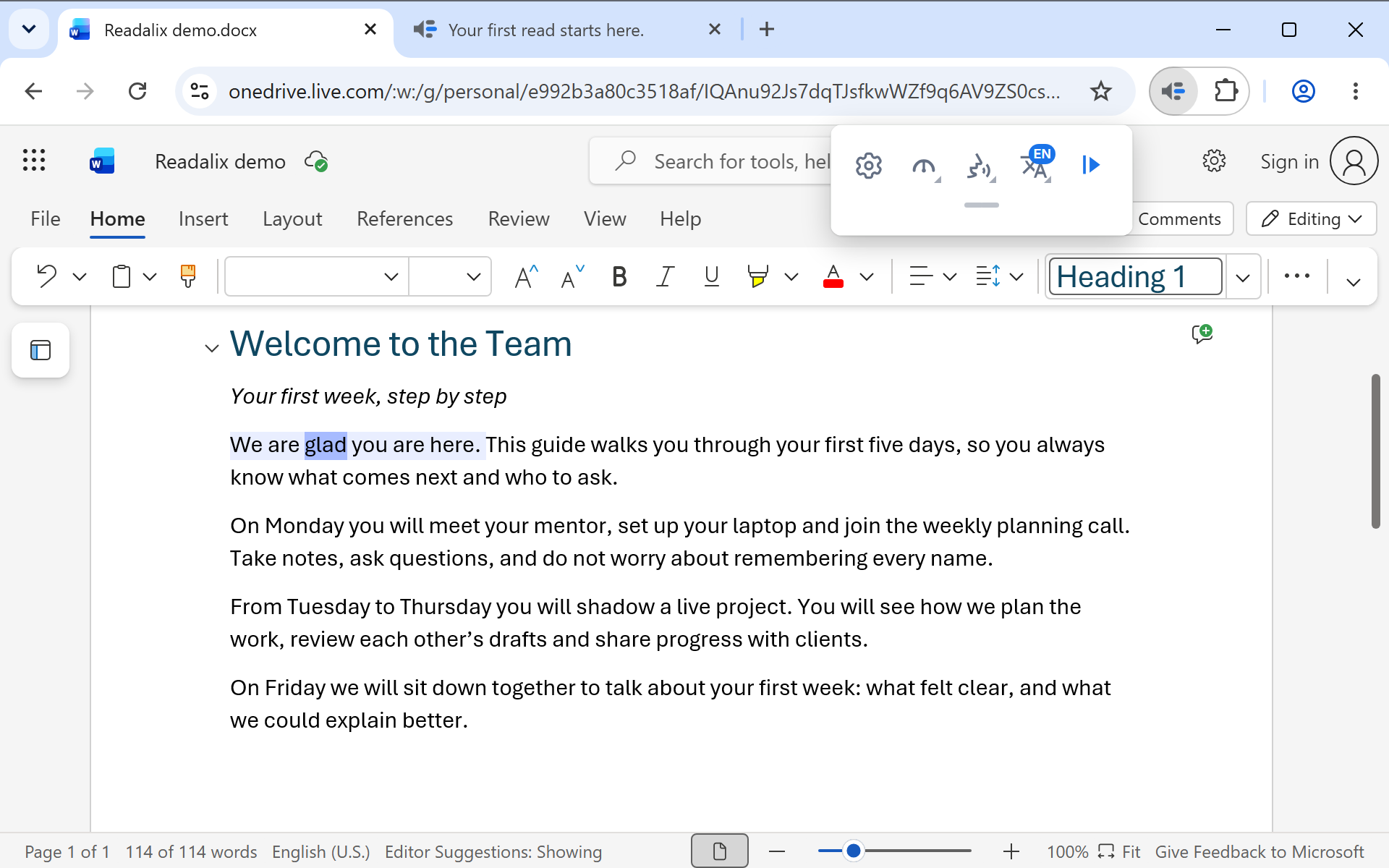
- Reads PDFs, Google Docs, Word Online, PowerPoint and Slides
Want Microsoft’s natural voices? Use Microsoft Edge: there they are the browser’s own voices, and Readalix reads with them. In Chrome we can’t promise them, because Microsoft can stop sharing them at any time.
Your ears read. Your eyes follow.
Everything you need to listen to a long page, and nothing you have to set up first.
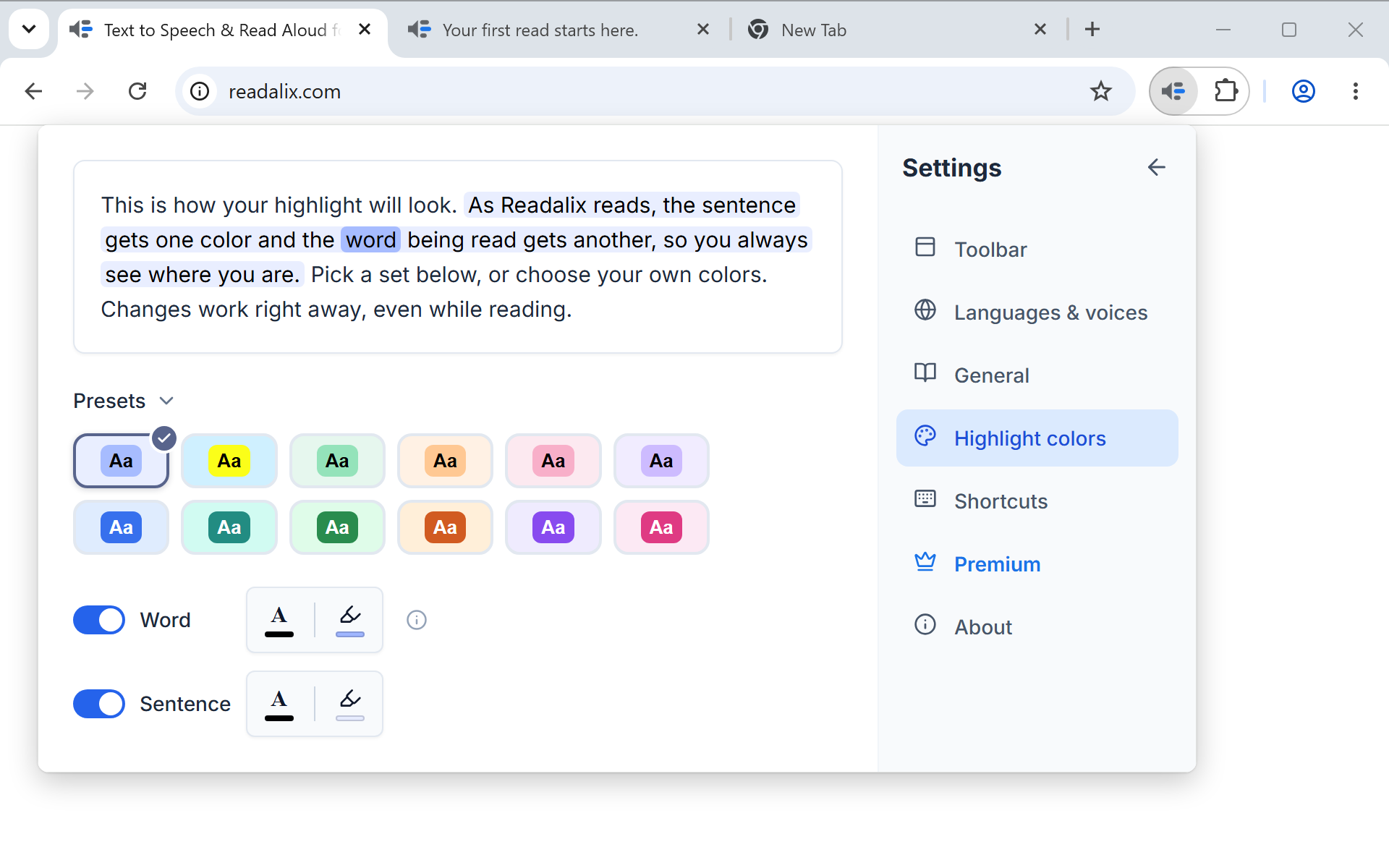
Word and sentence highlighting
The sentence glows and each word lights up with the voice, so you never lose your place. Pick your own highlight colors.
100+ natural voices
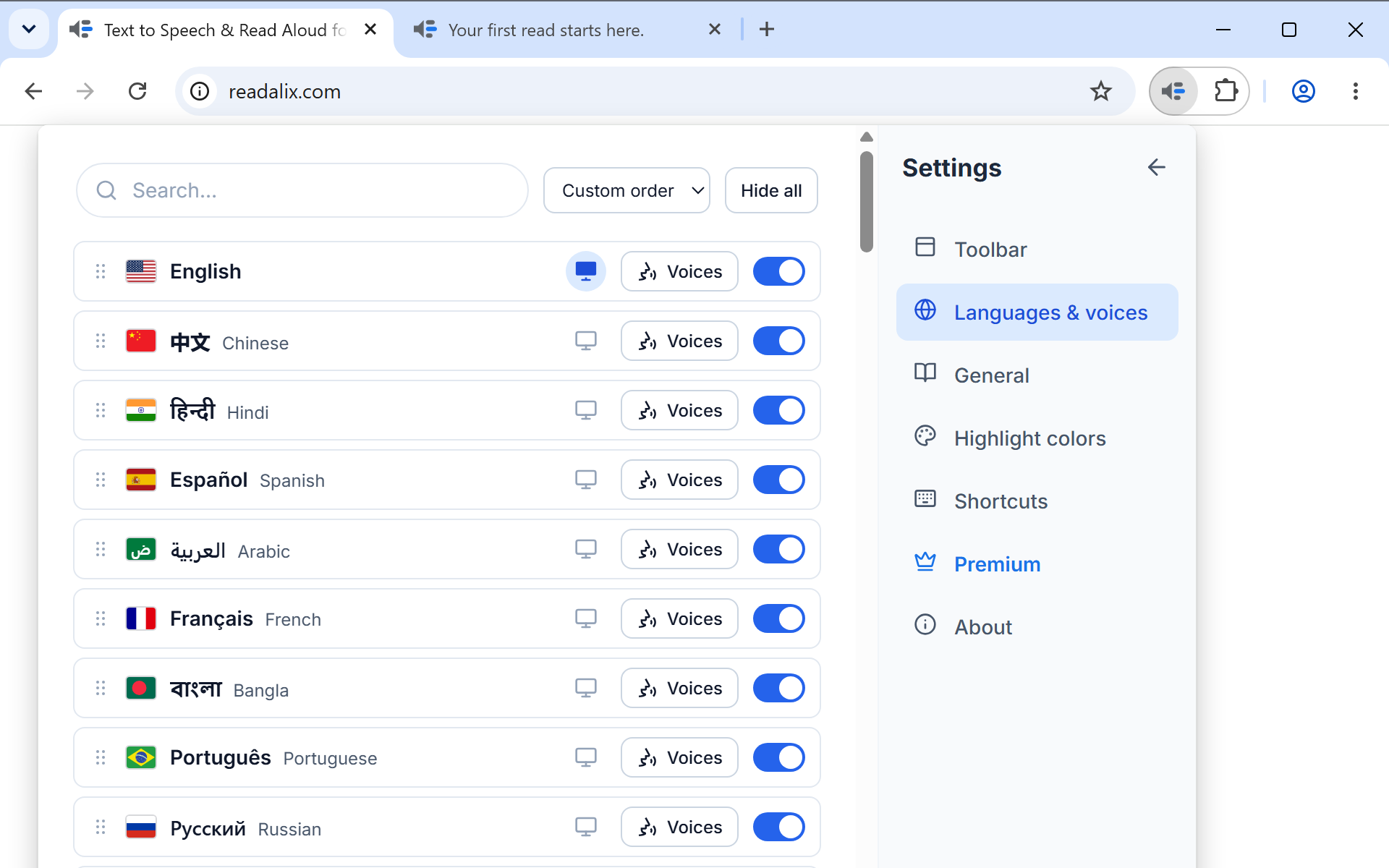
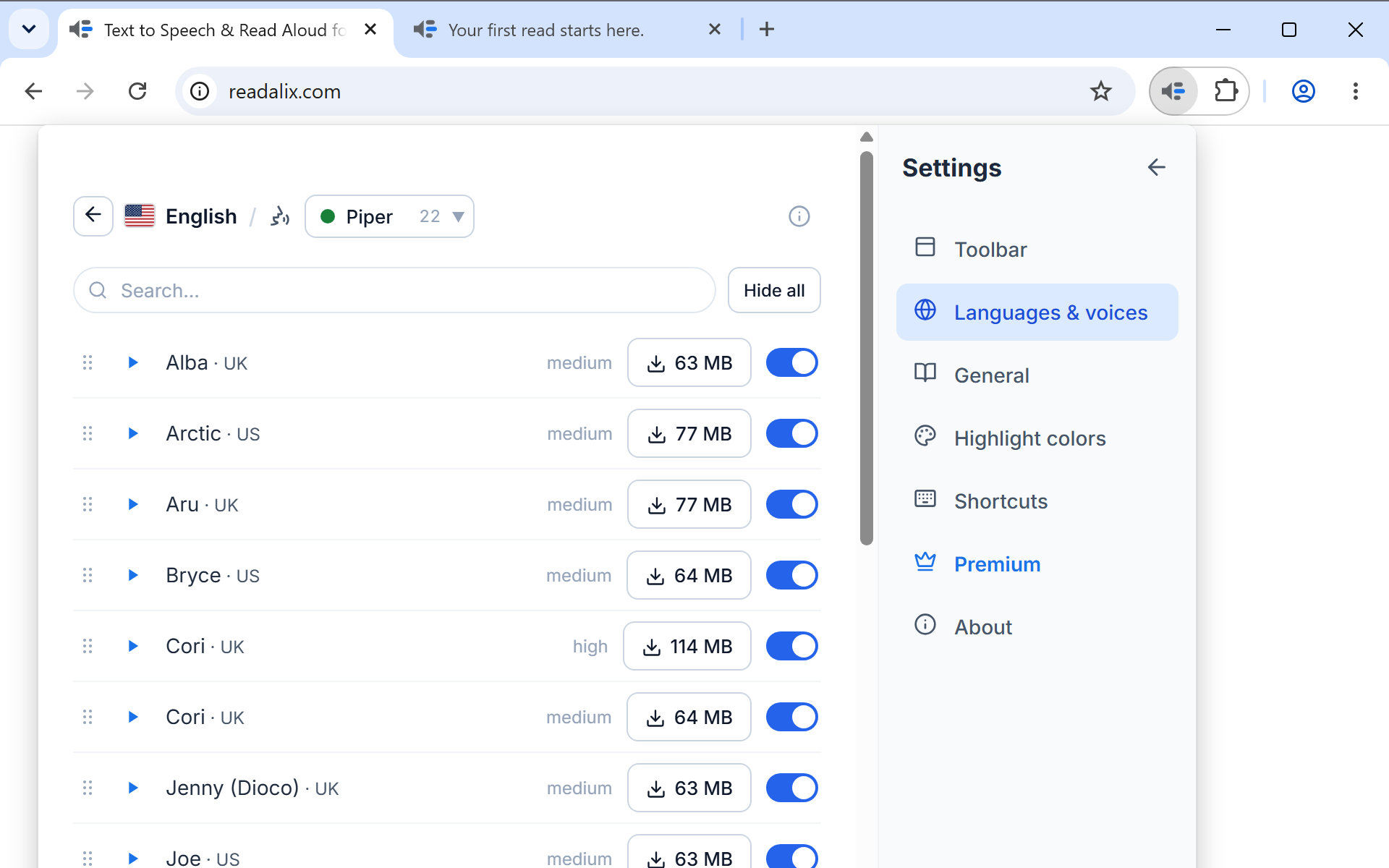
Piper, Kokoro and Supertonic voices in 30+ languages, plus the ones your browser already has. Record 15 seconds and Readalix reads English or German pages in your own voice. In Microsoft Edge, its natural voices work too. Gemini, OpenAI and ElevenLabs use your own key.
Private, and works offline
The voices are made right on your computer. Nothing you read is sent away, and once a voice is downloaded you can read with no internet.
Pause on the exact word
Pause and the highlight stops mid-sentence. Play again and it starts from that same word, never a sentence too early.
Start reading anywhere
Select some text, pick a part of the page, or right-click and choose “Read from here”. The page scrolls along with the voice.
Change it while it reads
Swap the voice or the speed while it is talking. Slow it right down, or listen at up to 3×. Your settings follow you to your other computers.
If you can read it, Readalix can too.
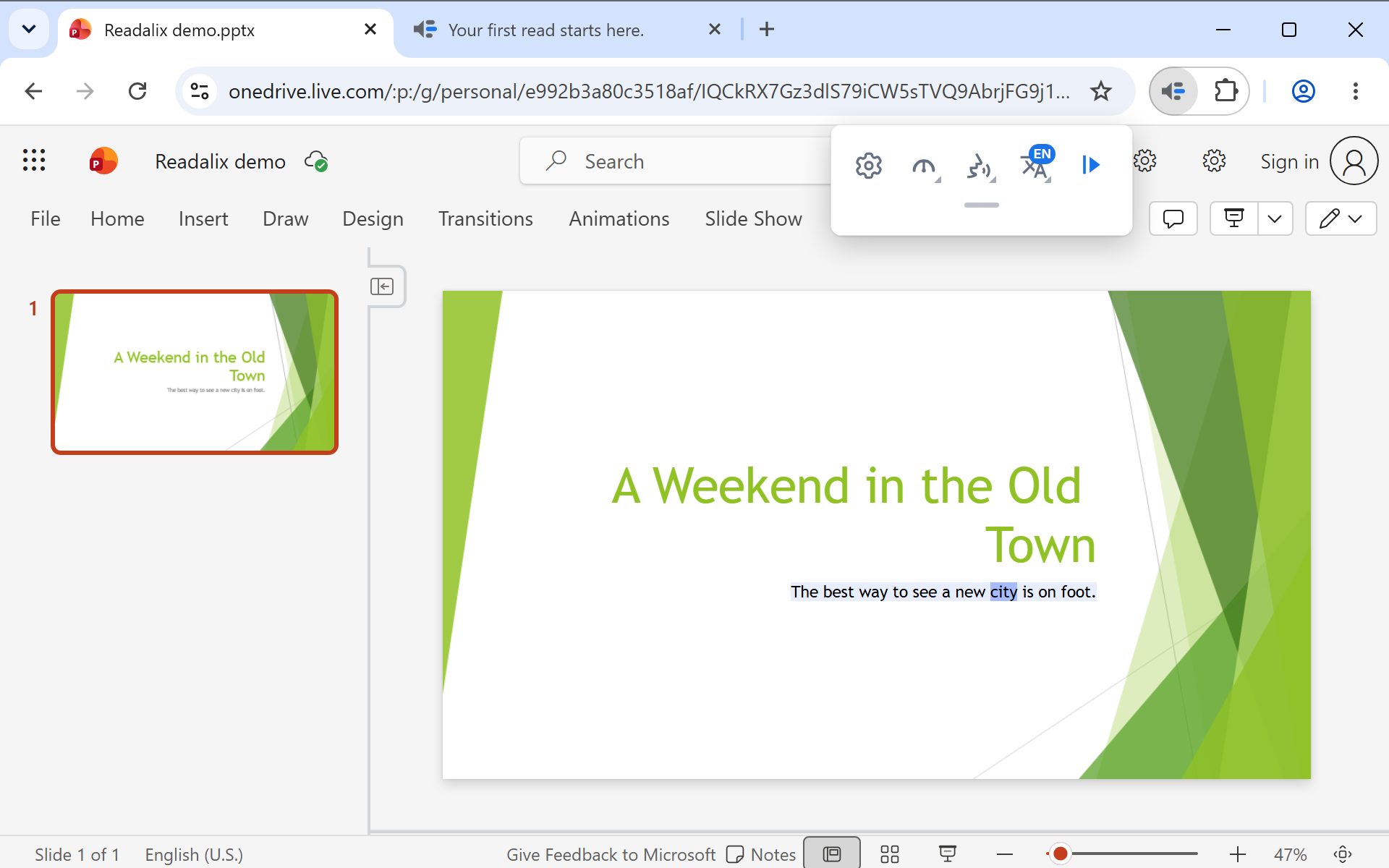
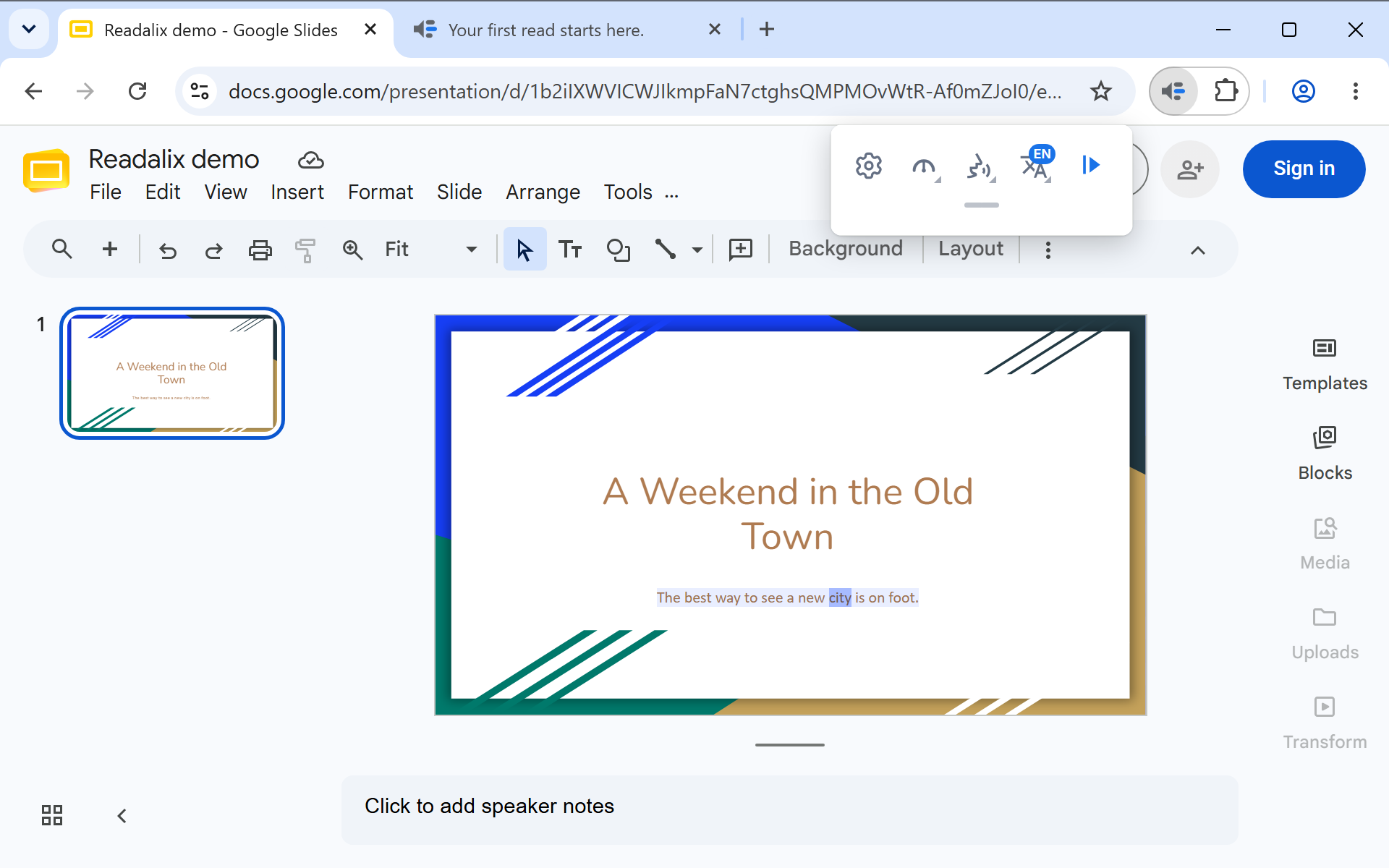
Web pages, PDFs, Google Docs, Word Online, PowerPoint and Google Slides, with the same voices and the same highlighting on all of them. Every screenshot below is real.
- dyslexia
- focus & ADHD
- learning a language
- long articles and PDFs
- tired eyes
- proofreading your own writing
Free every day. Unlimited if you want it.
Your browser’s own voices are free, with no limit. The premium voices come with a free amount every day, and when that runs out, reading carries on with a browser voice. It never just stops.
Free
No account, no card.
$0forever
- Browser voices: no limit
- Natural voices: 20,000 characters a day, about 22 minutes
- Every feature, on every page and file
Premium
The same extension, without the daily limit.
- Browser voices: no limit
- Natural voices: no limit
- Every feature, on every page and file
Upgrade any time from Settings → Premium, on any of your computers.