The best Speechify alternative in 2026
Almost nobody goes looking for a Speechify alternative because they want fewer features. They want the same thing they already had, a page read aloud with the words lighting up as the voice moves, without a $29 monthly bill and a sign-in wall in front of it.
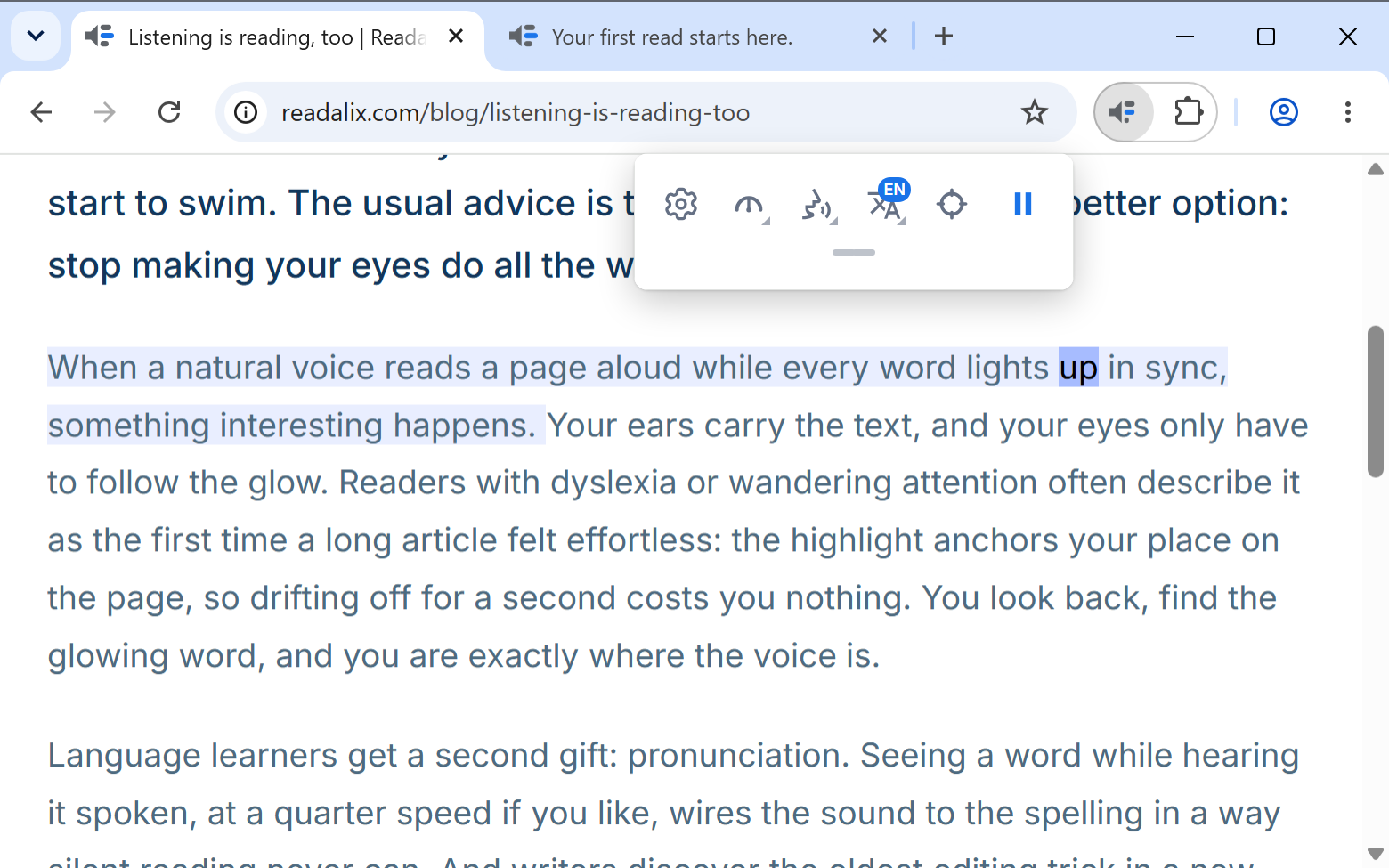
Readalix is a Chrome extension built for exactly that job and nothing else. Select any text and it reads it in a natural voice, tinting the sentence and lighting up each word as it is spoken. It is free to use every day, it never asks who you are, and its best voices are generated on your own computer rather than on somebody’s server. Below is where it lines up against Speechify, and, just as usefully, where it does not.
What Speechify costs in 2026
Speechify’s own pricing page lists Premium at $29 a month, with an annual plan advertised at 60% off, which works out near $139 paid up front. That subscription is what unlocks the natural voices, the 60+ languages and playback up to 5x.
The free tier is deliberately thin. Speechify’s page describes it as ten “robotic sounding voices” capped at 1.5x, with text to speech features only, and you need an account before you hear any of them. For a lot of people that is the moment the search for an alternative starts: the free version is a demo, and the paid version is priced like a platform when all they wanted was a read-aloud button in their browser.
Readalix and Speechify, side by side
The two products are aimed at different sizes of problem, and the table shows it. Speechify sells a reading platform across every device you own. Readalix sells nothing at all until you have used it for a while, and then asks $40 once.
| Feature | Readalix | Speechify |
|---|---|---|
| What the paid tier costs | $40 once, or $15 a year | $29 a month, or roughly $139 billed yearly |
| Account needed | No. Install it and press play | Yes, sign-up required |
| What the free tier gives you | Browser voices with no limit at all, plus 20,000 characters a day of the natural ones (about 22 minutes). Every feature is included | 10 voices its own page calls “robotic sounding”, capped at 1.5x |
| Where the speech is made | On your device with Piper and Kokoro. Cloud voices only if you pick them | On Speechify’s servers |
| Voices | 100+ Piper voices in 30+ languages, 28 Kokoro voices, 322 Microsoft neural voices with no key, every voice your system already has, and Gemini or OpenAI with your own key | 1000+ voices in 60+ languages on Premium |
| Top reading speed | 3x | 5x on Premium, 1.5x free |
| Where it runs | Chrome on the desktop, and that is all | Chrome, Safari, Edge, iPhone, Android, Mac and Windows apps |
| What it reads in place | Web pages, Chrome’s PDF viewer, Google Docs, Word Online, PowerPoint Online, Google Slides, form fields and iframes | Web pages, PDFs and Google Docs. Office files are uploaded, or opened through Speechify |
| Reading with no internet | Yes, once a Piper or Kokoro voice is downloaded | Premium can download the audio in advance. The voices themselves stream from the cloud |
Speechify’s prices and limits above were read off speechify.com in August 2026 and may well have moved since. Check their page before you decide anything on the strength of ours.
Where Readalix keeps reading
This is the difference that decides it for most people who write to us, and it is not really about which formats each tool accepts. Speechify can read a Word file or a deck: its own instructions tell you to upload the file, or open it through Speechify. Readalix never asks for the file, because it reads the document you already have open, in the tab it is already in, and highlights the words in the real thing.
- PDFs, in Chrome’s own viewer.Open the PDF in the tab you were going to open it in anyway and press play. The highlight is drawn by the viewer itself, so it stays exactly on the word at any zoom, scanned pages included. Nothing is uploaded and no second copy of your document exists anywhere.
- Google Docs and Word Online.The live document you are editing, read where it sits. No export, no import, no waiting for a conversion, and you can keep typing in it the moment the voice stops.
- PowerPoint Online and Google Slides.Press play with nothing selected and it reads the slide you are looking at. Rehearsing a deck out loud is one of the few genuinely useful things a reading tool can do, and it should not require exporting the deck first.
- The box you are typing in.Input fields, text areas and rich-text editors. Your half-finished reply, a support ticket, a form you are about to submit. Right-click inside it and Readalix reads back what you wrote, which is still the fastest way to catch a sentence that reads badly.
- The awkward corners of the web.Text inside iframes, and inside shadow DOM, where a lot of embedded readers, help widgets and web apps keep their content. These are the places read-aloud tools quietly skip.
- With the Wi-Fi switched off.Once a Piper or Kokoro voice has downloaded, the speech is synthesized inside the extension on your own hardware, so a flight or a dead connection changes nothing. Speechify’s voices stream from its servers: offline there means audio you remembered to download in advance, on a Premium plan.
None of this is a knock on Speechify for being a platform. It is a platform, and platforms want your file. The point is that if the thing you want read is already on your screen, handing it over to a server first is a strange way to hear it.
Six reasons people switch
Every one of these is something Readalix does differently on purpose, not a gap we are hoping you will not notice.
- The paid tier is $40, once.There is a yearly option at $15 if you prefer, but the one-time price is the point: a read-aloud button in your browser should not be a standing monthly charge. Most days you will not reach the paid tier anyway. Browser voices are unlimited and free, and the natural voices come with 20,000 characters a day, roughly 22 minutes of listening. When that runs out the read carries on in a browser voice instead of stopping halfway down a paragraph.
- No account, no email, no dashboard.There is no sign-up step, because there is no server to sign up to. Your settings ride along in Chrome’s own sync, so your voice, speed and highlight colours follow you to your other computers without us ever holding a profile for you.
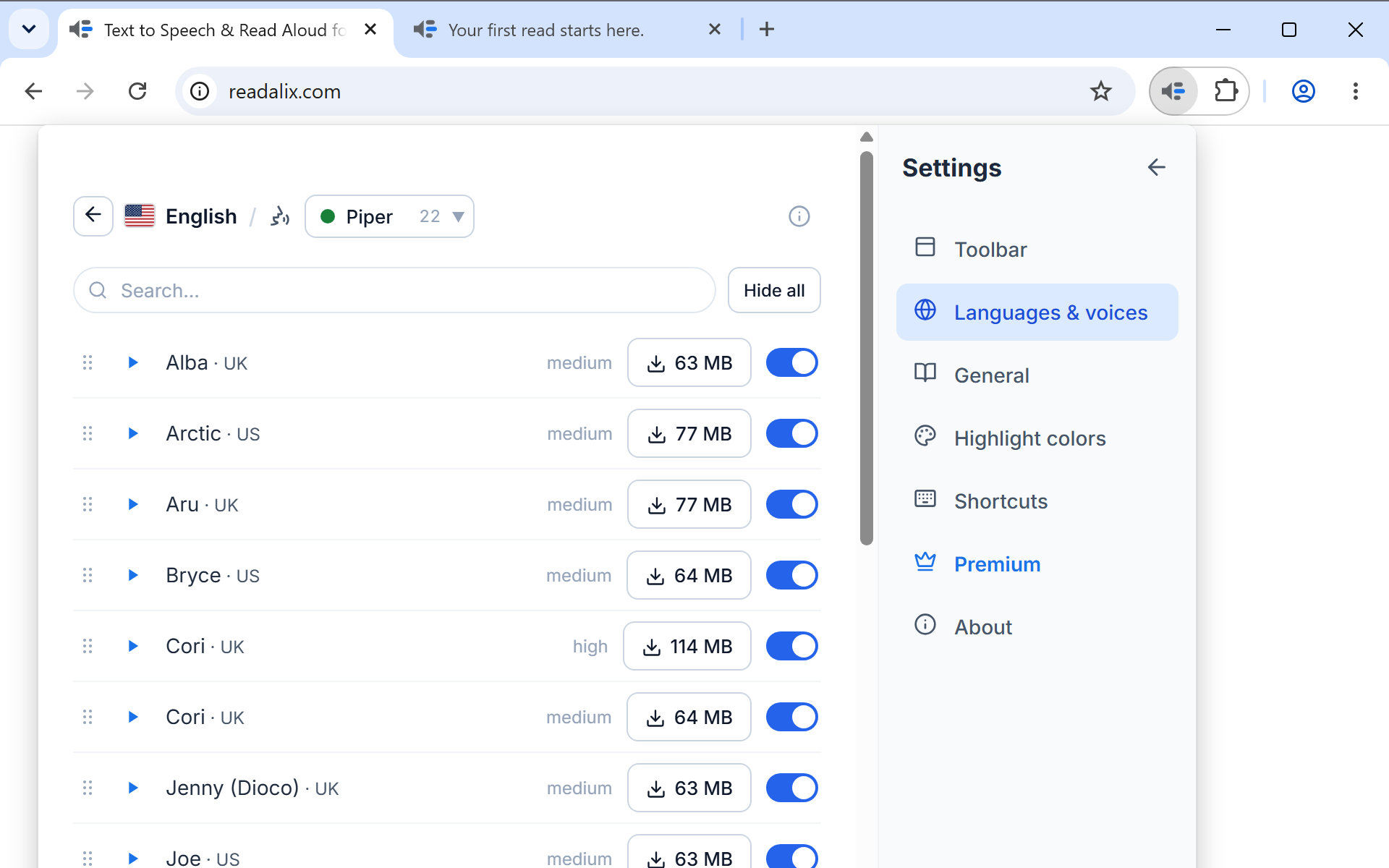
- The voices run on your computer.Piper (100+ voices across 30+ languages) and Kokoro (28 English voices with exact per-word timing) are synthesized inside the extension, on your own hardware. The text you are reading never leaves the browser, and once a voice is downloaded it keeps working with the Wi-Fi switched off. If you would rather use cloud voices, Microsoft’s 322 neural voices need no key and no download, and Gemini or OpenAI work with an API key you paste in yourself.
- It reads the things you actually read.Web pages, PDFs, Google Docs, Word Online, PowerPoint Online, Google Slides and the box you are typing in, each read where it already sits, as described above.
- It leaves your page alone.No floating button appears when you select text, no reading panel slides over the article, and nothing is bolted onto the site’s markup. The highlighting is painted with the browser’s CSS Custom Highlight API, so when the voice stops there is nothing left behind. We wrote about why here.
- Pause lands on the word, not the paragraph.Pause and the highlight freezes mid-sentence; press play and it resumes from that exact word rather than restarting the sentence. Change the voice, the language or the speed while it is talking and the sentence you are in re-speaks from where you are, immediately.
Where Speechify is still the better buy
It would be an easy article to write if the answer were always us. It is not. Speechify is a far larger product than this extension, and there are people for whom that is worth $139 a year:
- You listen away from your desk.Speechify has iPhone, Android, Mac and Windows apps, and your library follows you between them. Readalix is a Chrome extension on the desktop. If most of your listening happens on a phone during a commute, nothing here replaces that.
- You want the surrounding tools.Scanning a printed page with your camera and hearing it back, AI summaries and chat over a document, voice cloning in Studio, an audiobook catalogue. Readalix does none of that, and has no plans to. It reads what is on your screen.
- You read at 5x.Readalix tops out at 3x. If you have trained yourself past that, you will feel the ceiling on the first day.
If your reading happens in a Chrome tab on a laptop, though, none of the three applies to you, and you are paying platform prices for a browser feature.
Switching takes about two minutes
There is nothing to import, because there is nothing to import into. You can leave your current extension installed while you make up your mind.
- Install it.Readalix is on the Chrome Web Store and needs Chrome 123 or newer. There is no onboarding flow to sit through.
- Press play.Select a paragraph and hit Ctrl + Alt + R, or right-click and choose Read with Readalix. With nothing selected, the toolbar’s play button finds the article on the page and reads that.
- Pick a real voice.The default is whatever your system already ships with, which is the weakest thing here. Open Settings → Languages & voices, choose your language, then Voices, and try the Microsoft tab (instant, nothing to download) or the Piper tab (a small one-time download, then fully offline).
- Make it yours.Highlight colours, which buttons sit in the toolbar and in what order, the keyboard shortcut, and whether the page scrolls along with the voice are all in Settings. Twelve ready-made colour sets are there if you would rather not choose.
The honest summary: if you need a reading platform on every device you own, Speechify has built one and it costs what platforms cost. If what you actually need is for the page in front of you to be read aloud, clearly, privately, with your eyes able to follow along, that should be a small tool at a small price. That is the whole argument for Readalix.
Hear this page in a natural voice
Readalix is free, needs no account, and its on-device voices never send your text anywhere.
Add to Chrome