PDFs and documents
Documents are not web pages, and every editor keeps its text somewhere different. Readalix handles the five that matter, with one quirk each worth knowing.
Chrome PDFs
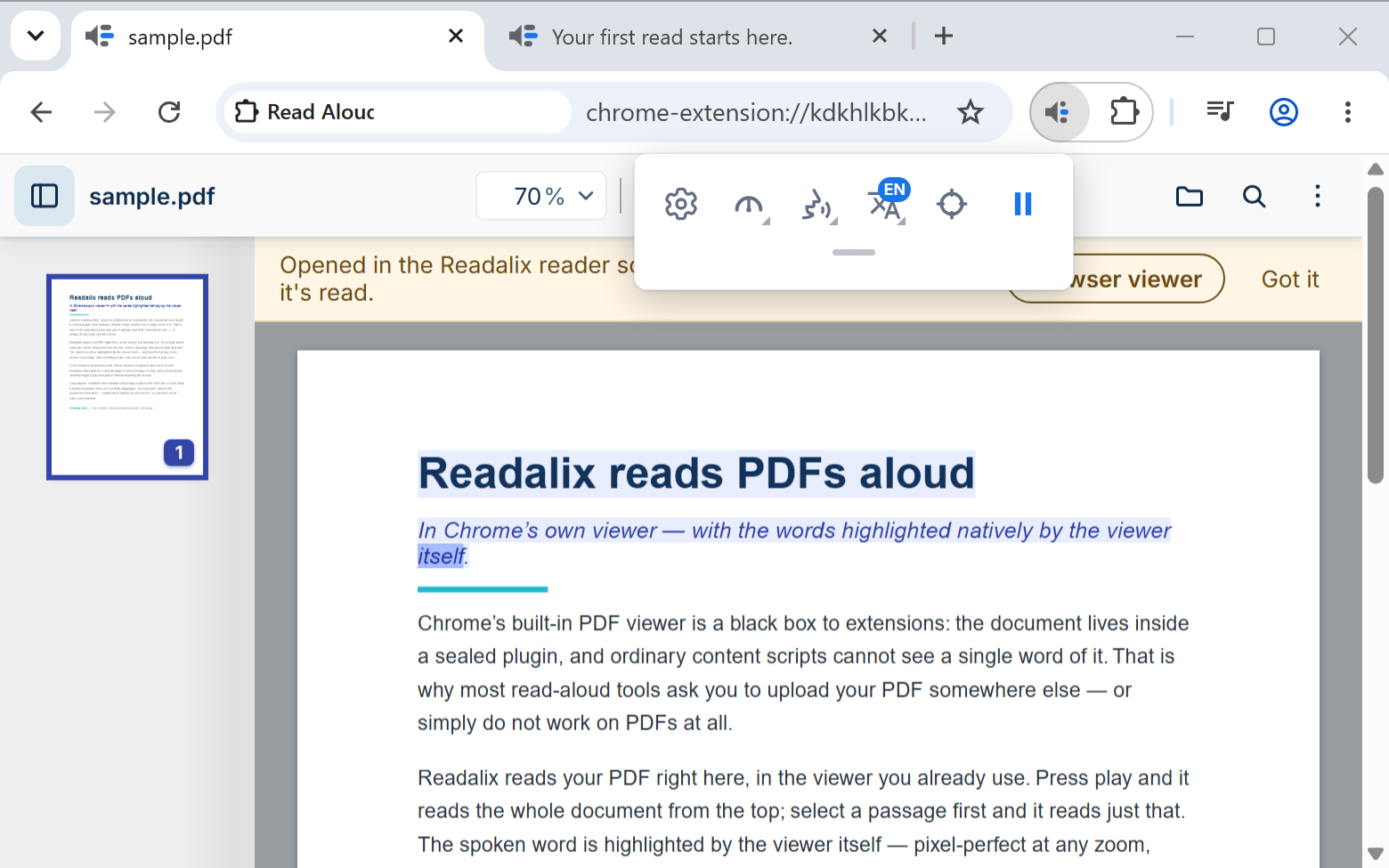
Open a PDF in Chrome's own viewer and press play with nothing selected: it reads the whole document from the top. Select first, and it reads only the selection.
The highlight here is drawn by the viewer itself rather than painted over it, so it stays exact through zooming, scrolling and rotating. Scanned PDFs work too, as long as the viewer can find text in them.
Because the viewer draws it, two things differ from an ordinary page: only the word or the sentence can be lit at a time, not both, and it uses the viewer’s own purple rather than the colors you chose in Settings.
Two differences from an ordinary page: the element picker is not offered, since a rendered PDF has no elements to pick, and clicking the document stops the read exactly as clicking a page does.
A PDF you are only previewing is read the same way: an attachment open in Gmail, a file previewed in Google Drive, a document opened from a OneDrive or SharePoint file list. There is no need to download it first.
The Readalix PDF reader
Readalix has a PDF reader of its own. On a PDF tab, choose Open in Readalix reader; for a file on your computer, press Open a PDF in the toolbar’s second row, or choose it on the toolbar icon’s right-click menu.
Here the highlight uses your own colours, word and sentence together. Scanned pages are read too: the reader recognises their words on your computer, and it can also read the words in a PDF’s pictures. A locked PDF asks for its password.
You can find text, zoom, rotate, print and download, fill in forms, and add highlights, drawings, text and pictures. Browser viewer in the menu takes you back to the browser’s own viewer.
Press play with nothing selected and the reader starts at the page in view; press Ctrl+A first to hear the whole document from page one. A form works out its own totals, dates and number formats as you type, as it does in the browser’s viewer, and a read of the document includes what you typed into it and the notes on its pages, never a password.
On the browser’s viewer, Open in Readalix reader fetches the file before leaving it. A file made for one visit, or one the site will not send again, stays where it is, the button says why, and Readalix still reads it aloud there. The reader is not offered in a private window, or on a site you turned off in Private sites.
PDFs in Google Drive
Readalix can sit in Google Drive’s own Open with menu, so a PDF in your Drive opens straight in the Readalix reader. To add it, open the Readalix toolbar on a Google Drive tab and choose Open PDFs with Readalix. Google asks you once, for the account whose Drive is on screen, and the tab reloads with Readalix in its menu.
Then right-click any PDF in Drive and choose Open with, then Readalix, or, while previewing a PDF, find the same menu at the top. Pick several PDFs and each opens in its own tab. A file Readalix cannot fetch opens in Drive’s own viewer instead, where Readalix still reads it aloud.
The menu belongs to each Google account, so with more than one signed in, add it from a Drive tab of each account you use. To take it out, go to Drive’s settings, open Manage apps and disconnect Readalix.
Google Docs
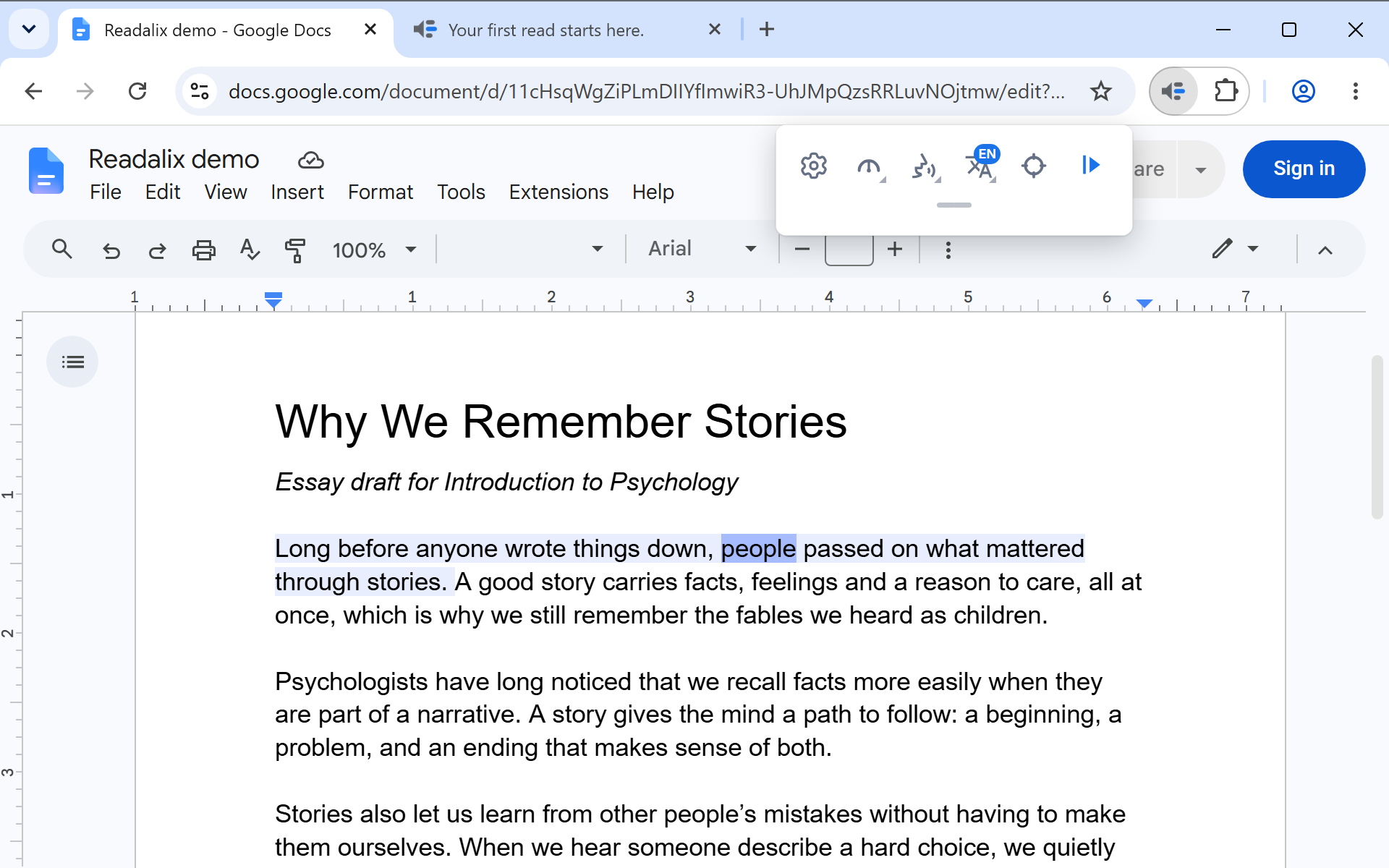
Docs draws its text on a canvas, which is why most read-aloud tools go quiet there. Readalix reaches into the editor and reads it, with the sentence tint and the word highlight painted over the canvas.
Press play with nothing selected and it reads the whole document from the top. Select a passage and it reads that. The element picker works here as well, when you press the pick button yourself.
Word Online
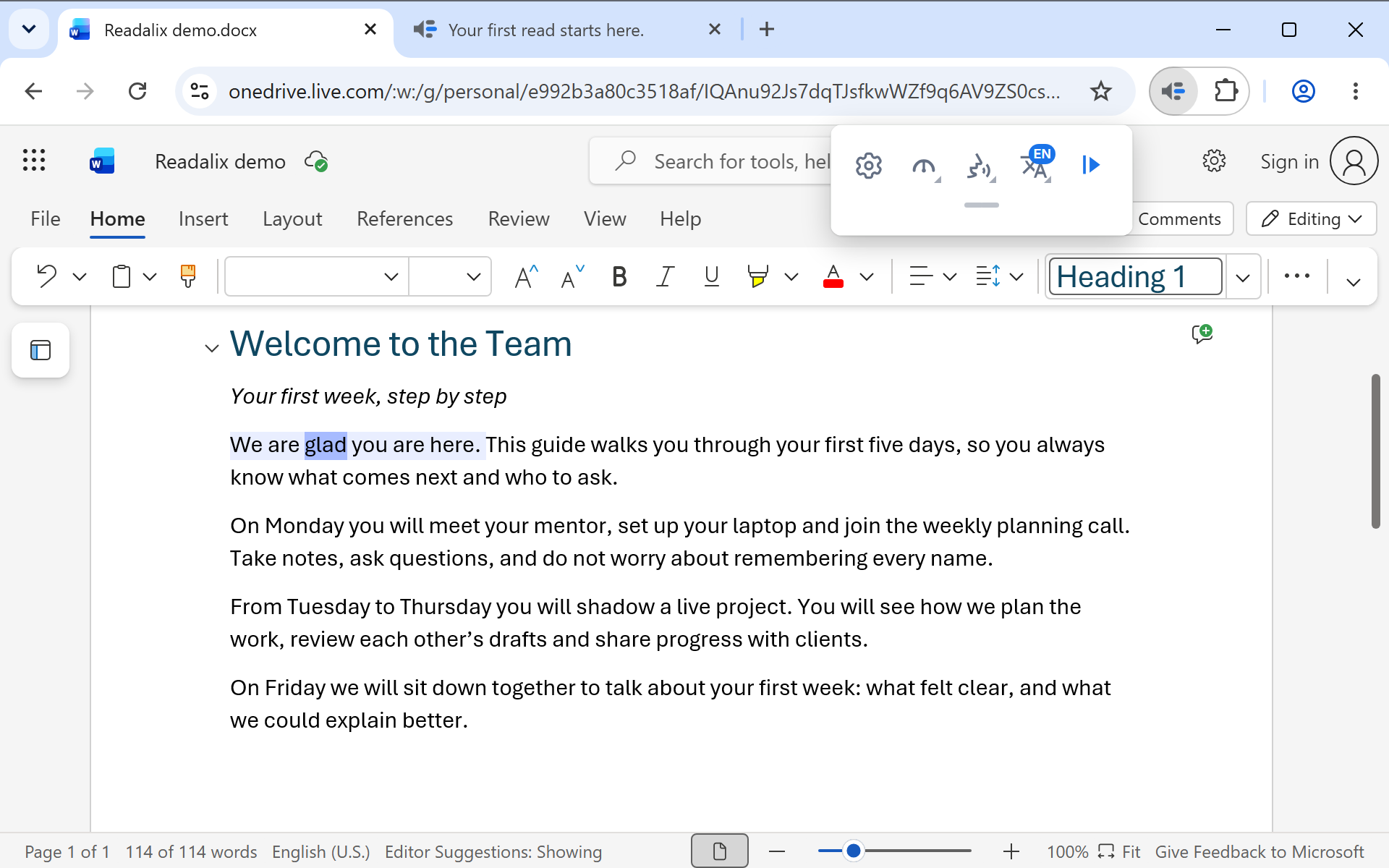
Word for the web reads from a selection: choose the text you want, then press play. Use Ctrl+A inside the document if you want the lot.
PowerPoint Online
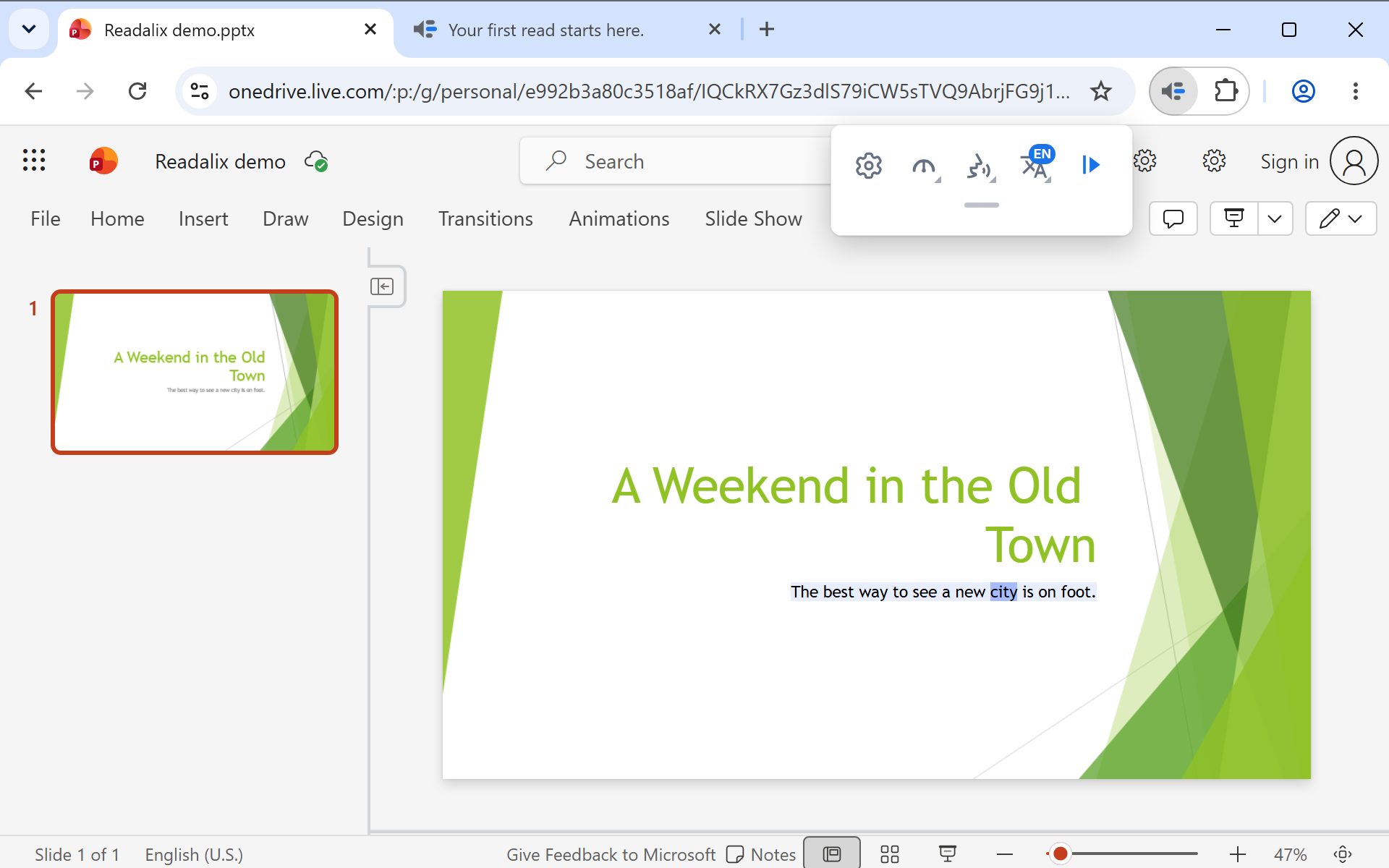
Press play and it reads the slide you are on, title and body together. Move to the next slide and press play again.
Google Slides
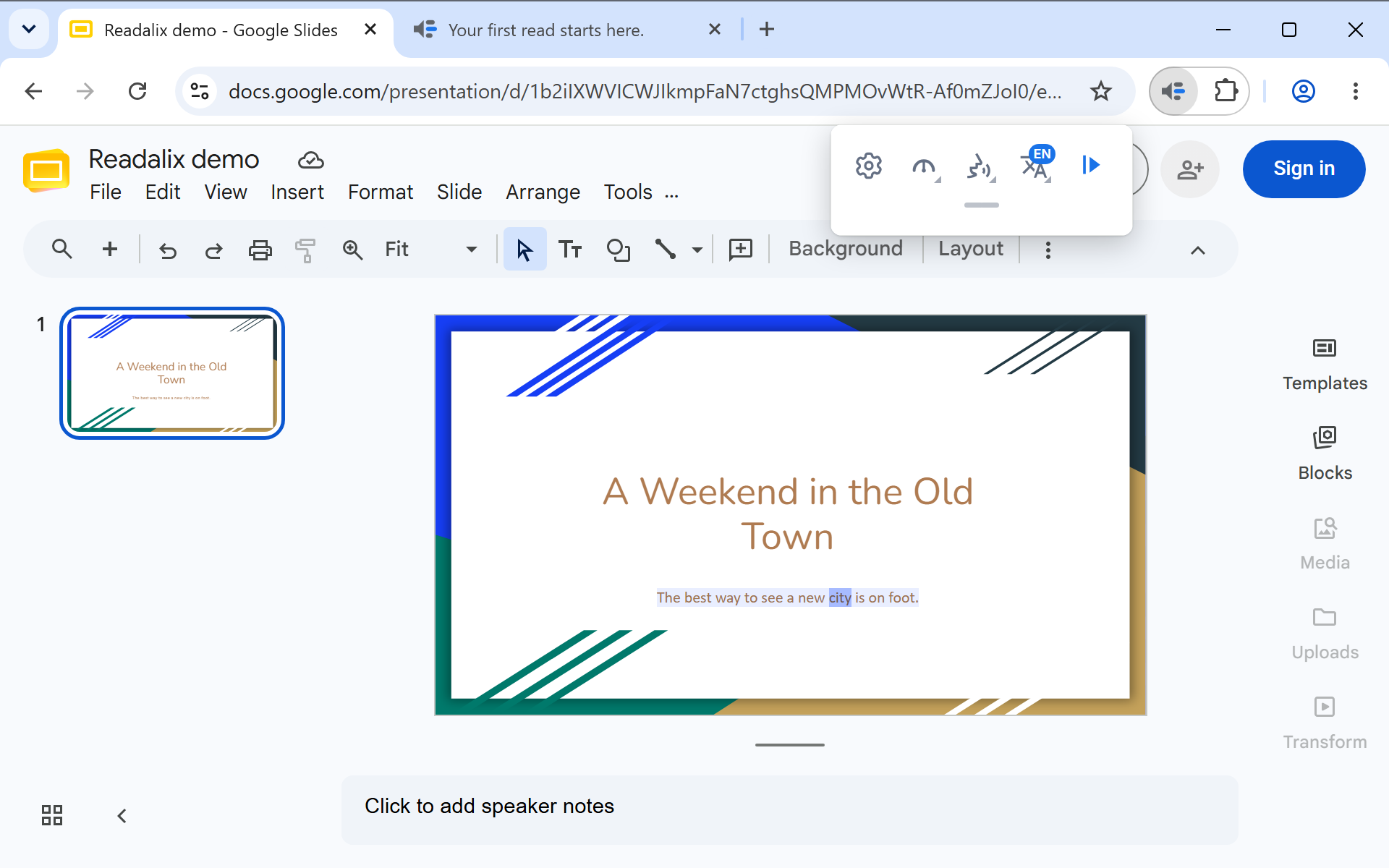
Same as PowerPoint: the slide you are looking at is the slide that gets read, with the highlight painted over the deck.
At a glance
| Surface | Play with nothing selected | Element picker |
|---|---|---|
| Web page | Reads the article it detects | Yes |
| Chrome PDF | Reads the whole document from the top | No |
| Google Docs | Reads the whole document from the top | Yes |
| Word Online | Asks you to select first | No |
| PowerPoint Online | Reads the current slide | No |
| Google Slides | Reads the current slide | No |